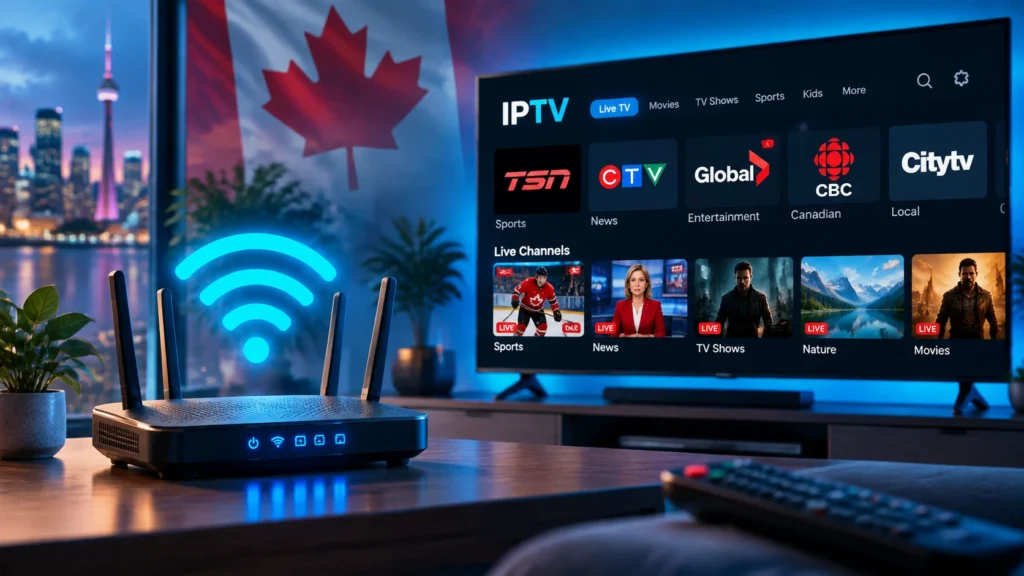
If your IPTV channels buffer, freeze, or drop out – especially when more than one TV is streaming – your router is often the real culprit, not your IPTV service. The best router for IPTV keeps every stream smooth by handling high, steady bandwidth, prioritising video traffic, and blanketing your whole home in strong Wi‑Fi. This Canada-focused guide explains exactly what to look for and recommends routers for every budget in 2026.
Does Your Router Really Affect IPTV?
Yes – a lot. Your internet plan sets the maximum speed that enters your home, but your router decides how well that speed reaches each device. A weak or outdated router causes the exact symptoms people blame on their provider:
- Buffering on 4K channels because the router cannot sustain the throughput.
- One TV stutters when another starts streaming – no traffic prioritisation.
- Drop-outs in far rooms from weak Wi‑Fi coverage.
- Lag during live sports when many devices share the network.
Before buying anything, rule out settings issues with our guide to stopping IPTV buffering. If problems persist across devices, the router is the next upgrade.
What to Look For in a Router for IPTV
Wi‑Fi 6 (or Wi‑Fi 6E)
Wi‑Fi 6 (802.11ax) handles many simultaneous streams far better than older Wi‑Fi 5 routers, which matters in homes with several TVs, phones, and consoles. Wi‑Fi 6E adds a clean 6 GHz band with almost no interference – ideal for a 4K IPTV box near the router.
Gigabit (or multi-gig) wired ports
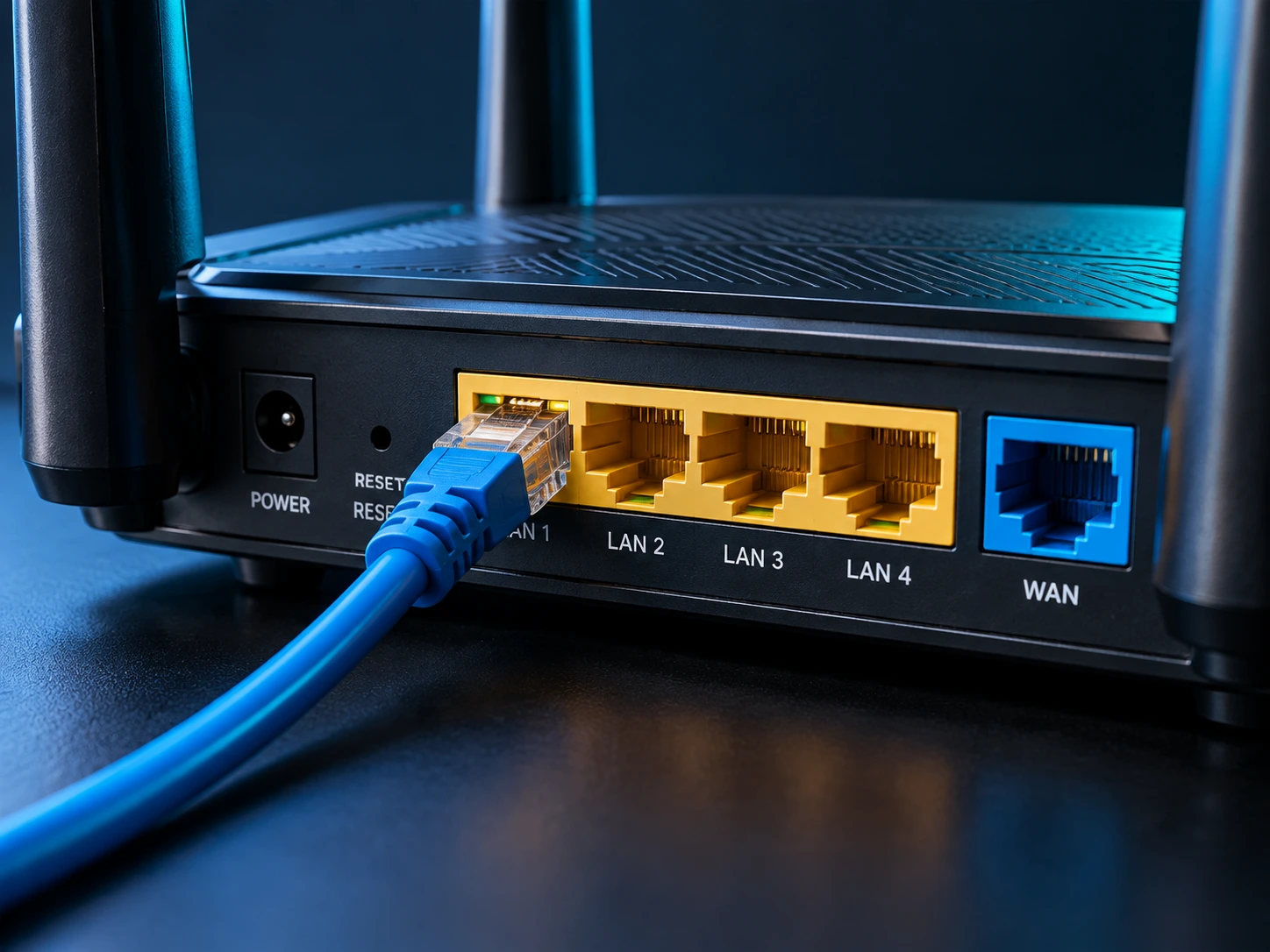
The single biggest upgrade for a main TV is a wired Ethernet connection. Look for Gigabit LAN ports so your primary IPTV box never competes for Wi‑Fi. A 2.5G port is a bonus if your plan is faster than 1 Gbps.
QoS (traffic prioritisation)
Quality of Service lets you tell the router to prioritise video and streaming traffic so a big download or a gaming session does not starve your IPTV stream. ASUS Adaptive QoS and similar systems make this easy.
Coverage: dual-band, tri-band, or mesh
For apartments and small homes, a good dual-band router is plenty. For large or multi-floor homes, a mesh system eliminates the dead zones that cause far-room drop-outs.
A capable processor
More streams and devices mean more work for the router CPU. A dual- or quad-core processor keeps things smooth during peak-time live TV.
Best Routers for IPTV in Canada (2026)
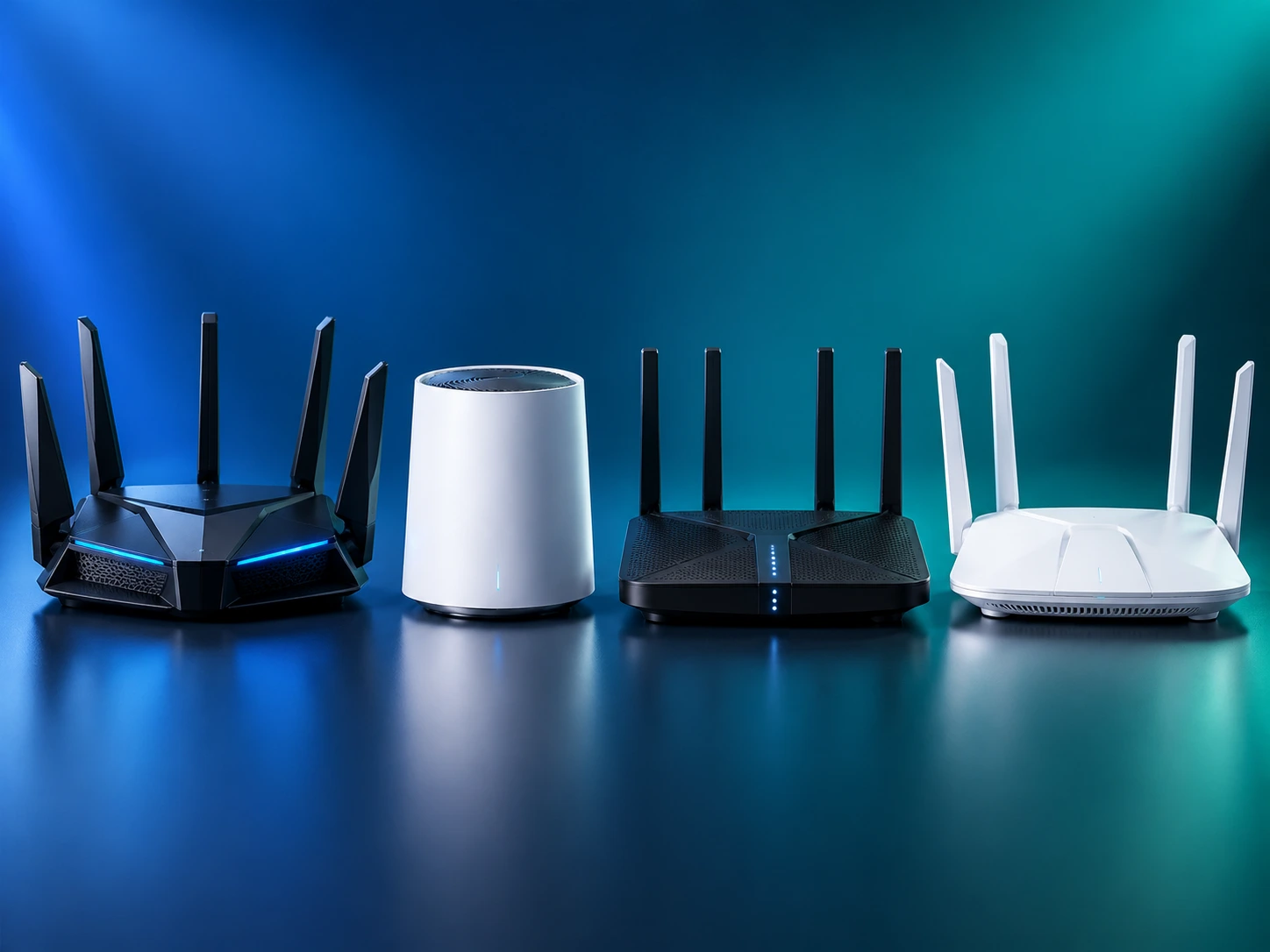
All of these are widely available from Canadian retailers. Check current pricing and exact specs before buying, as models and prices change.
| Pick | Model | Why it is great for IPTV |
|---|---|---|
| Best overall | ASUS RT-AX86U Pro | Wi‑Fi 6, a 2.5G port, and excellent Adaptive QoS for prioritising streams. |
| Best value | TP-Link Archer AX55 | Affordable Wi‑Fi 6 with solid coverage and Gigabit ports for a wired TV box. |
| Best mesh (large homes) | TP-Link Deco XE75 / eero Pro 6E | Whole-home coverage that kills far-room drop-outs, with a 6 GHz band. |
| Best budget | TP-Link Archer AX1800 (AX21) | Reliable entry-level Wi‑Fi 6 for one or two IPTV TVs. |
| Best high-end | ASUS ROG / Netgear Nighthawk (Wi‑Fi 6E) | Maximum throughput and a clean 6 GHz band for busy, device-heavy homes. |
The right choice depends on your home size and plan speed – but for most IPTV users, a mid-range Wi‑Fi 6 router with QoS and a Gigabit port is the sweet spot.
Router Settings to Optimise for IPTV
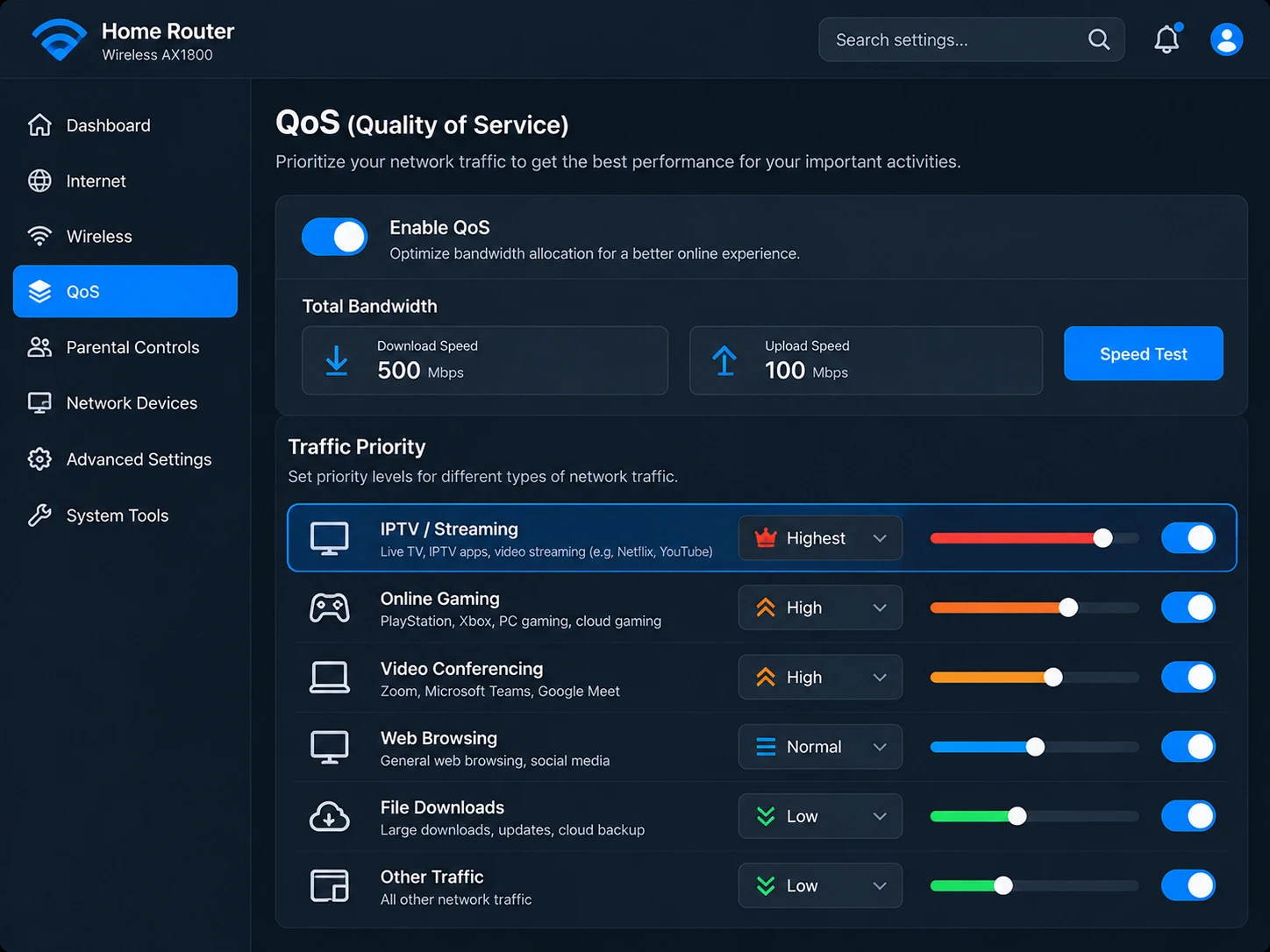
A great router only helps if it is set up well:
- Wire your main TV box with Ethernet whenever possible – it is the single biggest fix for buffering.
- Use the 5 GHz (or 6 GHz) band for streaming devices; keep 2.4 GHz for smart-home gadgets.
- Enable QoS and prioritise your IPTV box or the streaming category.
- Update the firmware – manufacturers fix performance and stability bugs regularly.
- Place the router centrally and away from microwaves, cordless phones, and thick walls.
Wired vs Wireless for IPTV
Wireless is convenient, but a wired connection is almost always more stable for live TV. If you cannot run an Ethernet cable to the TV, MoCA adapters (using your coax lines) or a quality powerline kit can deliver a near-wired experience. Reserve Wi‑Fi for secondary TVs, tablets, and phones.
Is Your ISP Rental Router Enough?
The modem/router combo most Canadian ISPs rent is built to be cheap, not powerful. It is often fine for a single TV, but struggles once several devices stream at once. If you are paying for a fast plan and still buffering, replacing (or adding your own router behind) the ISP unit is usually the fix. Pair the right router with a plan that has enough upload and stable speed – and if your ISP interferes with streaming traffic, a VPN for IPTV can help.
Frequently Asked Questions
What internet speed do I need for IPTV?
Roughly 15–25 Mbps per 4K stream and 5–10 Mbps per HD stream. Add them up for every TV that streams at once, then leave headroom. A fast plan still buffers on a weak router, which is why both matter.
Is Wi‑Fi 6 worth it for IPTV?
Yes, especially with multiple TVs or a busy household. It handles many devices more efficiently and future-proofs your setup.
Should I connect my IPTV box with a cable or Wi‑Fi?
Cable (Ethernet) every time if you can. It is the most reliable way to stop buffering on your main TV.
Will a mesh router fix IPTV drop-outs in far rooms?
Usually, yes. Mesh spreads strong Wi‑Fi across the whole home, removing the weak spots that cause far-room freezing.
Do I need to replace my ISP router?
Not always – you can add your own router behind it. But if a fast plan still buffers across devices, a better router almost always helps.
The Bottom Line
For smooth IPTV, invest in a Wi‑Fi 6 router with QoS and Gigabit ports, wire your main TV, and add mesh if you have a large home. Do that and most buffering disappears. Want to see it in action on a stable Canadian line? Start a free IPTV trial with IPTV Canada and test your new setup for yourself.