If your IPTV service sent you a long link, or a server address with a username and password, or a short activation code to type into an app, you have run into IPTV codes – the login details that connect your player to your subscription. The term covers a few different things, and knowing which one you have makes setup painless. This guide explains every type of IPTV login credential, where to find yours, how to use it, and how to keep it secure.
What Are IPTV Codes?
“IPTV codes” is an umbrella term for the login credentials a provider issues when you subscribe. They are the keys that tell your app which account to load and where to stream from. You do not create them yourself – your provider generates them and sends them to you, usually by email, right after you sign up. There is no single universal format, which is why the same subscription can arrive as a link, a set of logins, or a short code.
The Main Types of IPTV Login Credentials
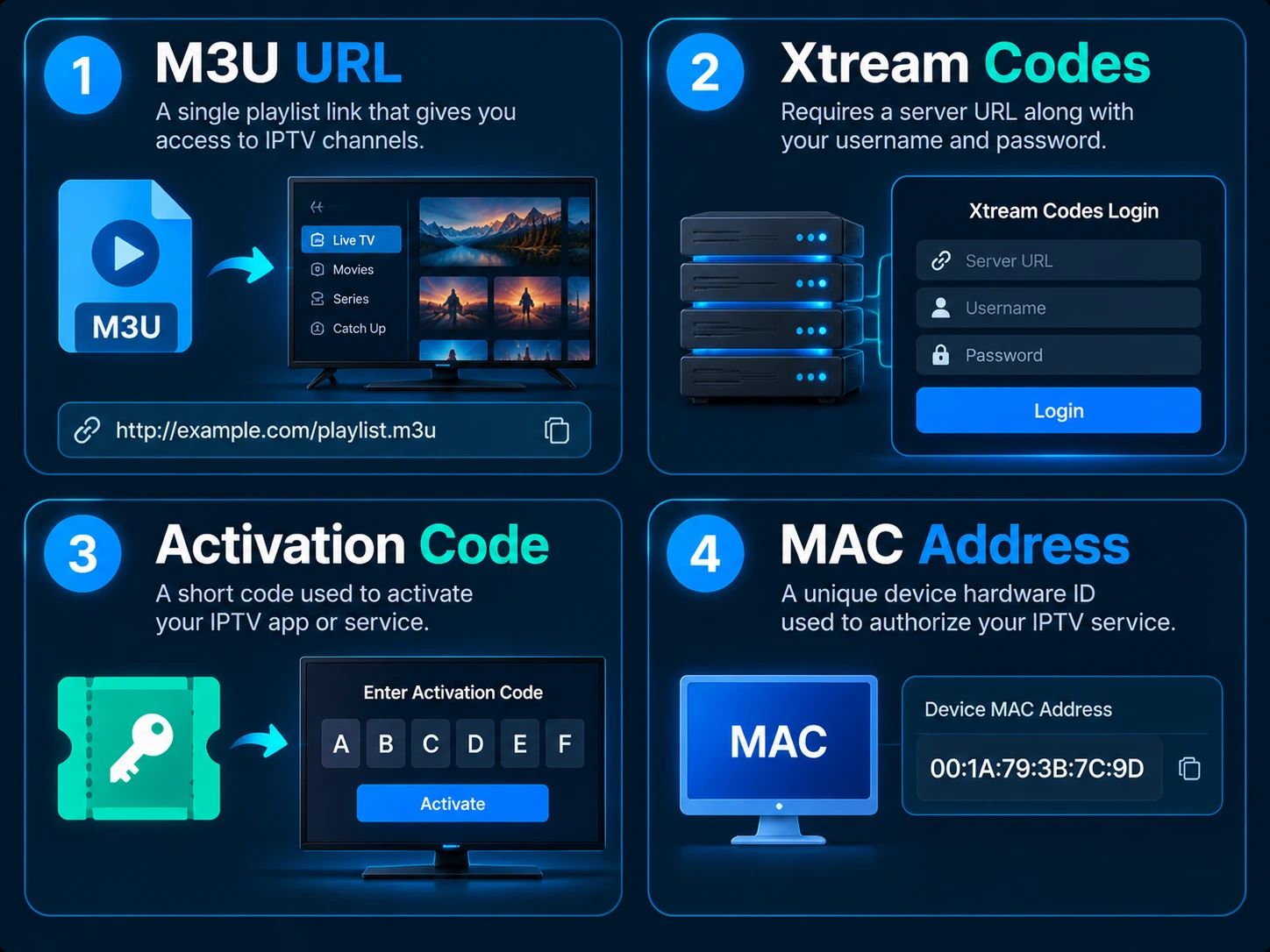
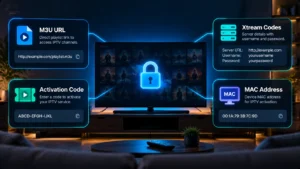
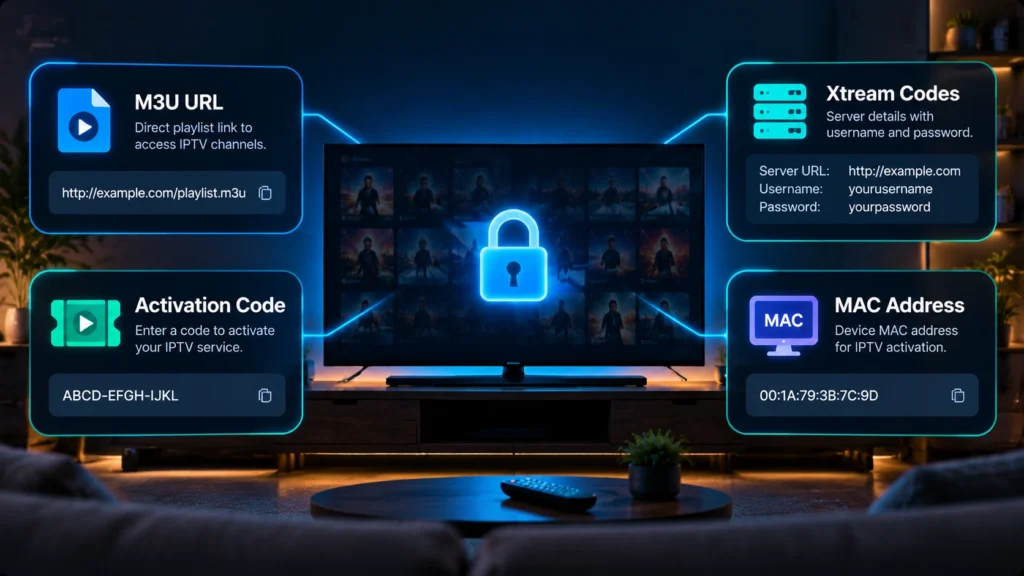
1. M3U URL
A single long web link that contains your whole channel list. You paste it into a player and it loads everything. Because it is live, it updates automatically when your provider changes the lineup. It is the most widely supported format.
2. Xtream Codes (server + username + password)
Three separate details – a server URL, a username, and a password – that the app uses to pull your live channels, movies, series, and TV guide in neat categories. Most modern apps prefer this method. We break both of these down in full in our M3U and Xtream Codes guide.
3. Activation or device pairing codes
Some apps show a short pairing code on screen that you enter on a website (or in your account) to link that specific device – similar to how you activate a streaming app on a smart TV. This code identifies the device, not your subscription, and is used alongside your actual playlist or login.
4. MAC address (for MAG and set-top boxes)
MAG-style boxes and some apps authenticate using a MAC address – a unique hardware ID in the form 00:1A:79:XX:XX:XX. Your provider ties your subscription to that MAC, and the box loads your channels automatically once it is registered.
Where to Find Your IPTV Codes
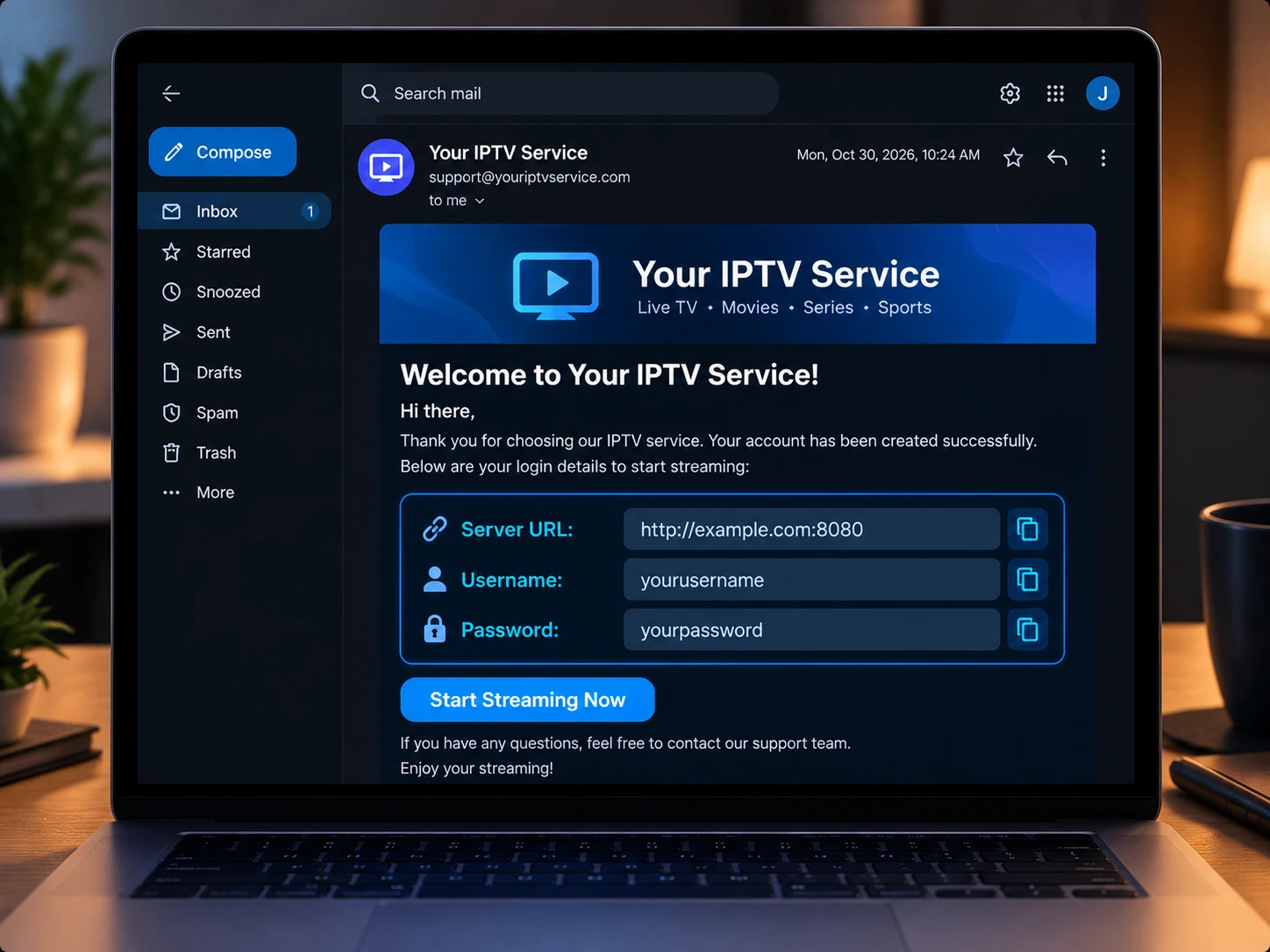
Your credentials come from your provider, almost always in the welcome or activation email you receive after subscribing (check spam if it has not arrived). Keep that email – it is the master copy of your login. Many providers also show your details in a customer dashboard. If you ever lose them, contact your provider to resend or reset them.
How to Use Each Type
- M3U URL: open your app, choose “Add M3U URL,” name it, paste the link, save.
- Xtream Codes: choose “Login with Xtream Codes,” enter the server URL (including
http://and the port), username, and password. - Activation code: enter the on-screen code where your provider or app directs, then load your playlist.
- MAC address: give your provider the box MAC so they can register it; the box then loads your line automatically.
Using IPTV Smarters? Our Smarters login walkthrough shows each step, and the best IPTV players guide lists apps that support every method.
Keep Your IPTV Codes Secure
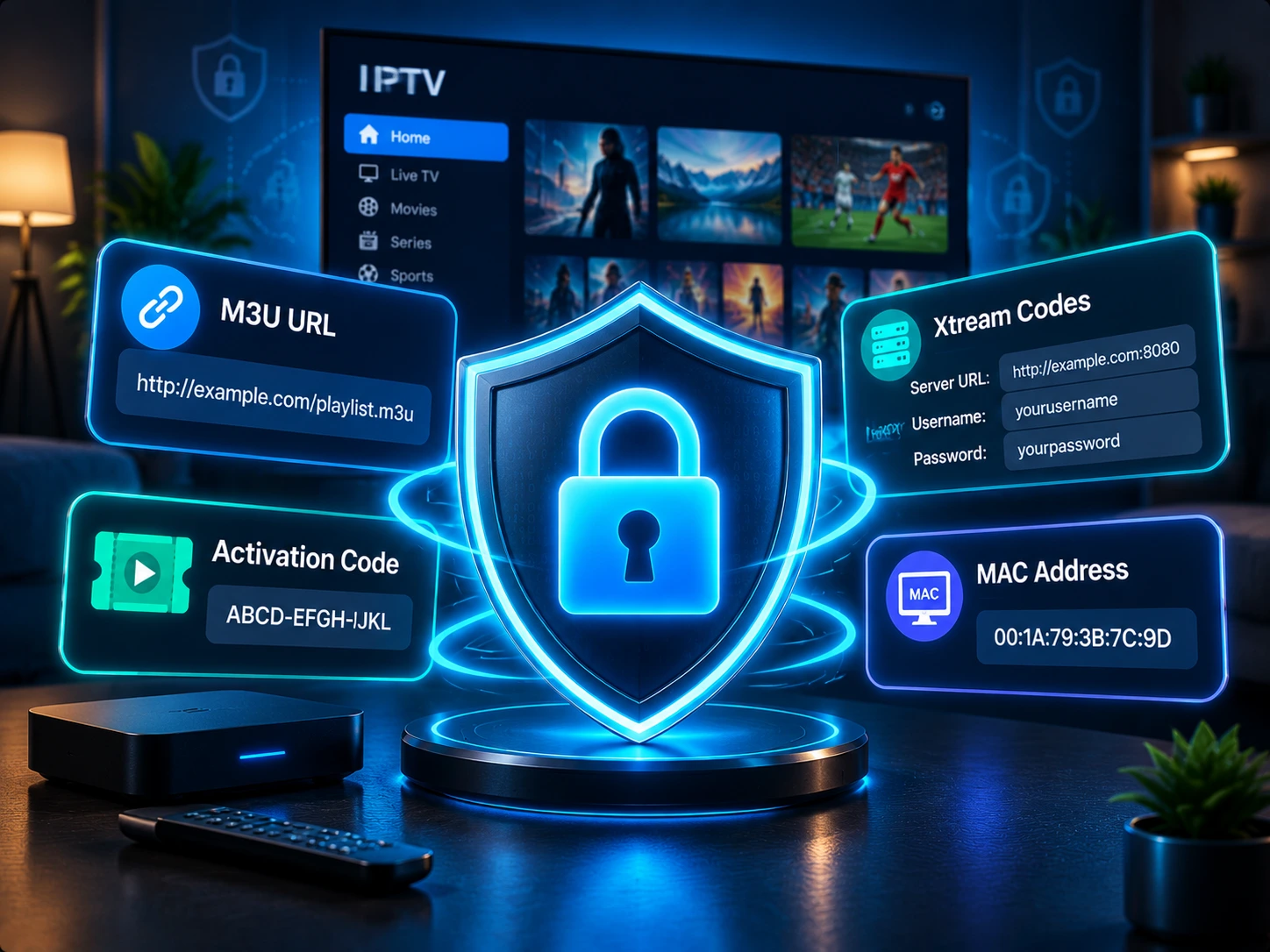
Your codes are your subscription – anyone who has them can use your line. Protect them:
- Never share or post your link, login, or code publicly. Shared credentials get used up quickly and can trip your connection limit or flag the account.
- Do not enter your details into random “free playlist” or “code generator” sites – they are the fastest way to lose a working line.
- Store your welcome email safely so you can re-enter your details on a new device.
- If your ISP interferes with streaming, a VPN for IPTV adds privacy and can stabilise your connection.
Common Problems with IPTV Codes
Most login issues are simple typos: a missing http://, the wrong port, or an extra space in the username. Copy and paste wherever you can. If the details are correct but still fail, your subscription may have expired or you may need freshly issued credentials. Our IPTV troubleshooting guide covers every login error step by step.
Frequently Asked Questions
What exactly are IPTV codes?
They are the login credentials – an M3U URL, an Xtream Codes login, an activation code, or a MAC address – that your provider issues to connect your app to your subscription.
Where do I get my IPTV login codes?
From your provider, normally in the welcome email sent after you subscribe. Many providers also show them in an account dashboard.
Are free IPTV codes safe to use?
No. “Free codes” shared online are unreliable, stop working quickly, and often expose you to insecure or unauthorised sources. A proper subscription with your own credentials is far safer and more stable.
Can I use my codes on more than one device?
Usually, up to your plan connection limit. Exceeding it locks the extra streams, so check how many simultaneous connections your plan allows.
What do I do if my codes stop working?
Check for typos and an active subscription first. If everything looks right, ask your provider to resend or reset your credentials.
The Bottom Line
IPTV codes are simply the login your provider gives you – a link, a username and password, an activation code, or a MAC address. Identify which type you have, enter it carefully, and keep it private. Want a clean set of working credentials delivered instantly? Start a free IPTV trial with IPTV Canada and get set up in minutes.