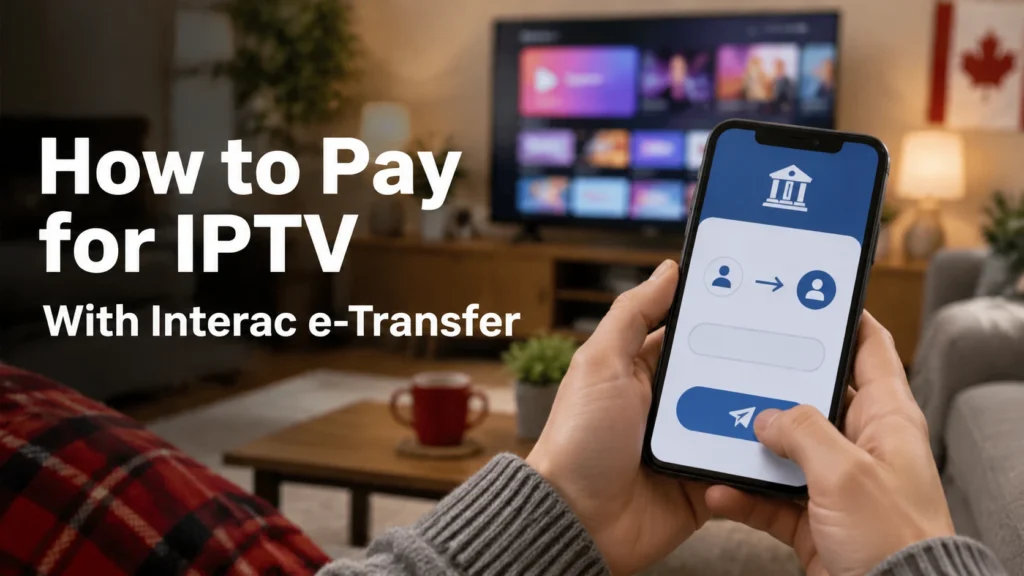
Most IPTV providers in Canada take payment by Interac e-Transfer. It’s fast, it works from almost every Canadian bank, and the seller never sees your card number. Paying takes about two minutes: open your banking app, send the exact amount to the email the provider gives you, add your order number in the message, and keep the confirmation. This guide walks through each step, explains Autodeposit and security questions, and shows what to do if a transfer gets stuck.
Key takeaways
- Interac e-Transfer moves money directly between Canadian bank accounts, with no card details shared.
- Always send the exact amount, in CAD, to the exact email address the provider gives you.
- Put your order number or account name in the message so the payment can be matched quickly.
- If the provider uses Autodeposit, there’s no security question. Otherwise, never send the answer in the same message.
- An e-Transfer can be cancelled while it’s still pending, but generally not once it’s deposited. Only pay after a successful free trial.
Why IPTV Providers Use Interac e-Transfer
Interac e-Transfer is the “send money” feature built into the online banking of nearly every Canadian bank and credit union. For IPTV, it has a few practical advantages:
- No card details shared. The money goes from your bank account to the provider’s. They never see your card number.
- Canadian dollars only. No currency conversion and no foreign transaction fees.
- Fast. Most transfers arrive within minutes, especially when the recipient uses Autodeposit.
- Familiar. You already use it to pay friends, rent or small businesses.
The trade-off is buyer protection. Interac notes that a sender cannot reverse an e-Transfer once the recipient has deposited it. That’s why the order in which you do things matters: test with a free trial first, read the refund policy, then pay. We compare every payment method side by side in our guide to buying an IPTV subscription in Canada safely.
Before You Pay: A 4-Point Check
- You’ve completed a free trial on your main TV during a busy evening. (Get IPTVCAD’s 24-hour trial, no card needed.)
- You’ve read the refund policy and it has a specific window, such as 7 days.
- You know the exact amount for your plan and number of devices.
- The payment details came from the provider’s official website or support channel, not from a stranger in a comment or private message.
How to Pay for IPTV by Interac e-Transfer: Step by Step
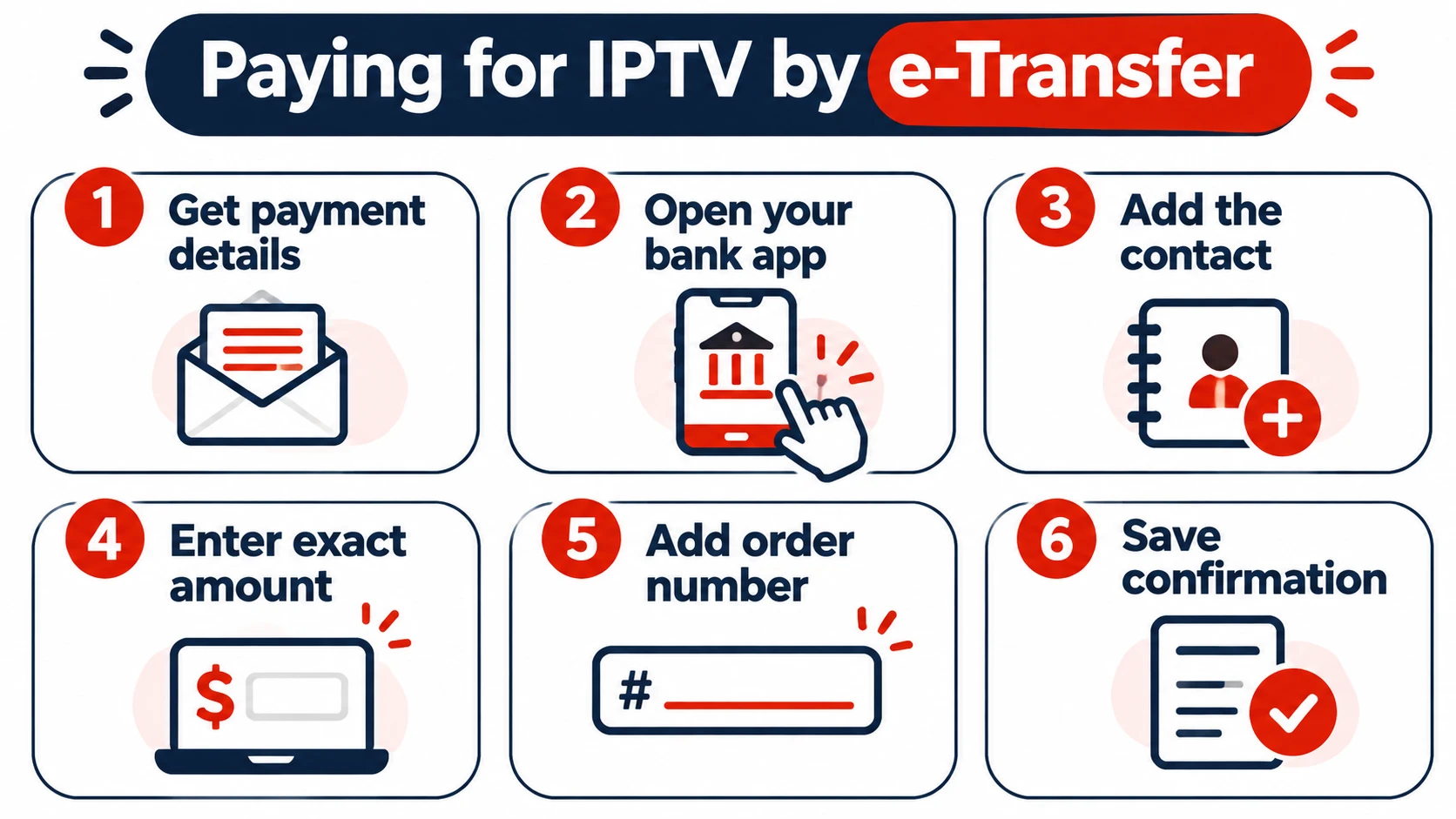
- Get the payment details. The provider gives you the recipient email address (or phone number) and the exact amount, usually at checkout or from their support team.
- Open your banking app and choose Interac e-Transfer or Send money.
- Add the provider as a new contact using the email address they gave you. Copy and paste it rather than typing it, to avoid typos.
- Check the recipient name. If the recipient uses Autodeposit, many banks show the registered name before you send. Make sure it matches the business you expect.
- Enter the exact amount for your plan, in CAD. For example, $19 for one month or $79 for 12 months on one device at IPTVCAD.
- Add a message with your order number, name or the email you used to order, so the provider can match your payment.
- Set a security question if asked (only when the recipient isn’t on Autodeposit). Share the answer with the provider through a separate channel, never in the e-Transfer message.
- Review and send. Double-check the email, amount and message before confirming.
- Save the confirmation. Screenshot it or keep the bank’s email. It includes a reference number if you ever need to follow up.
- Wait for your login details. Once the payment is matched, the provider sends your Xtream Codes, M3U link or MAG activation.
Autodeposit vs Security Question: What’s the Difference?
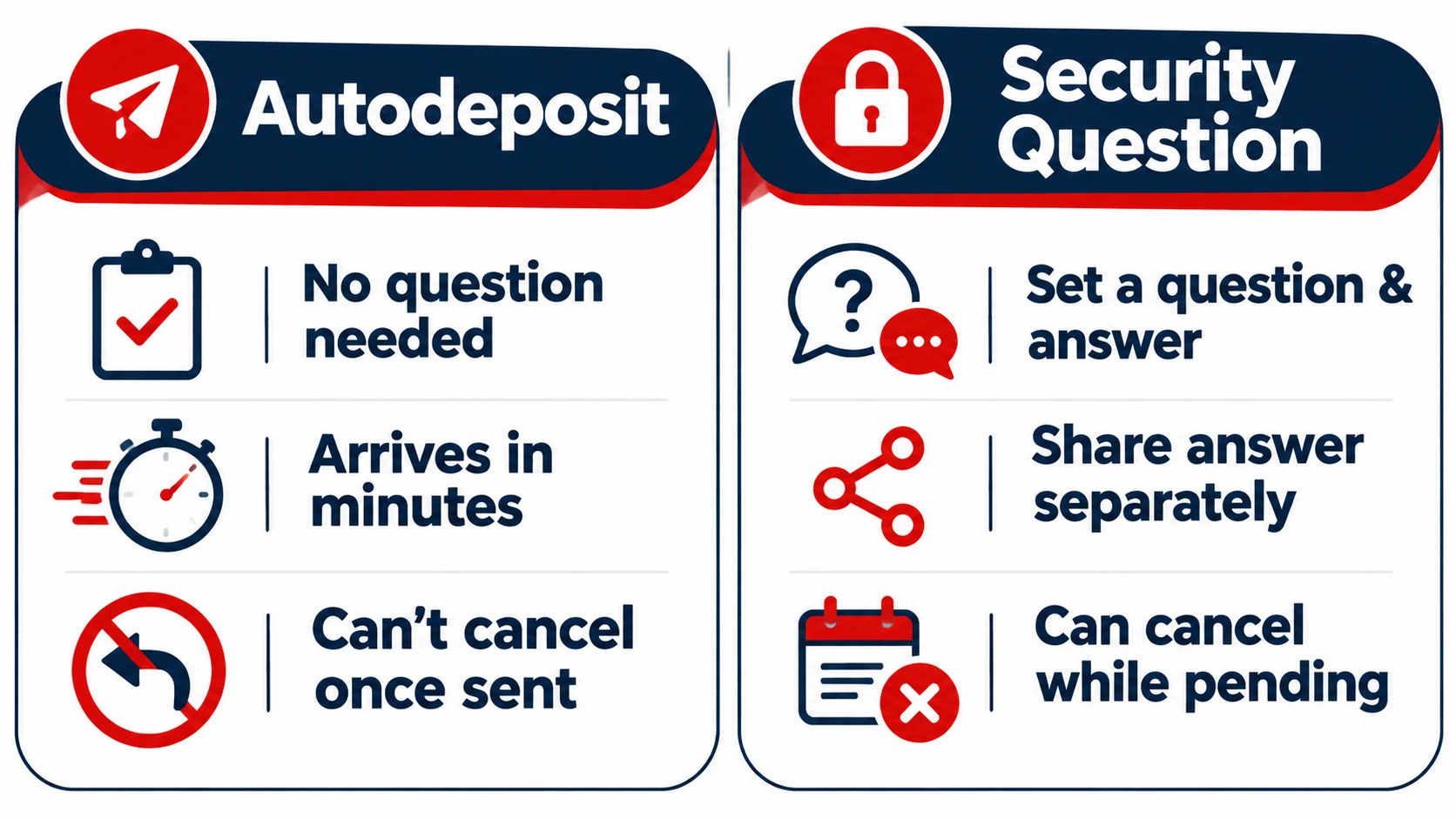
| Autodeposit | Security question | |
|---|---|---|
| How it works | Money goes straight into the recipient’s account | The recipient must answer a question to deposit |
| What you do | Nothing extra. No question is asked | Set a question and answer, then share the answer separately |
| Speed | Usually minutes | Depends on when the recipient deposits it |
| Can you cancel? | Generally no, it deposits immediately | Yes, while it’s still pending |
| Name shown before sending | Often, at many banks | No |
As Desjardins explains, Autodeposit deposits money without the recipient answering a security question. Most businesses that take e-Transfers use it because payments arrive and can be matched faster.
Security question tips
- Choose a question only the provider could know the answer to because you told them, not something guessable like “What service is this for?”
- Never put the answer in the e-Transfer message field.
- Answers aren’t case-sensitive and can’t contain special characters such as “@” or “&”.
e-Transfer Limits and Fees
IPTV payments are small, so limits rarely matter, but it’s useful to know how they work:
- Sending limits are set by your bank. A common daily limit is around $3,000. Simplii, for example, lists limits per 24 hours, 7 days and 30 days on its e-Transfer page.
- Fees: most Canadian chequing accounts include e-Transfers at no extra cost, but some basic accounts charge a small fee per transfer. Check your account’s fee schedule.
- New contacts: some banks hold the first transfer to a new recipient or apply a lower limit for a short time as a fraud safeguard.
How Long Does It Take?
- Sending: most transfers arrive within minutes. Some banks take up to 30 minutes, and occasionally longer for a first transfer to a new contact.
- Matching and activation: once received, the provider matches the payment to your order and sends your login. This is faster when you include your order number in the message.
- Unclaimed transfers: if a transfer that needs a security question isn’t deposited, it expires after 30 days and the money comes back to you, as Desjardins notes on the same page.
If Something Goes Wrong
| Problem | What to do |
|---|---|
| Transfer still “pending” | The recipient hasn’t deposited it yet. Message the provider with your reference number. You can usually cancel it in your banking app while it’s pending. |
| Sent the wrong amount | Contact the provider right away with the reference number. Ask whether they’ll refund the difference or ask you to top up. |
| Sent to the wrong email | If it’s still pending, cancel it immediately in your banking app. If it was deposited, contact your bank’s fraud or disputes team. |
| Paid but no login received | Check your spam folder, then send the provider your confirmation screenshot. Most activations take minutes to a few hours. |
| Transfer was declined or bounced | Check the email address and your daily limit. The money returns to your account. |
| You think it’s a scam | Contact your bank immediately and report it to the Canadian Anti-Fraud Centre. |
Safety Rules for Paying by e-Transfer
- Only pay after a successful trial.
- Only use payment details from the provider’s official site or support, never from a comment, forum post or unsolicited message.
- Start with a 1-month plan. $19 at risk is better than $200.
- Never share your online banking password or one-time codes with anyone, including someone claiming to be support.
- Be wary of “payment failed, send it again” messages. Check your banking app first to see if the original transfer went through.
- Never pay with gift cards, and be cautious of sellers who only accept crypto to a personal wallet.
For a full list of warning signs, see the truth about free IPTV and our guide to choosing an IPTV subscription in Canada.
Interac vs Other Ways to Pay for IPTV
| Method | Card details shared? | Reversible? | Currency |
|---|---|---|---|
| Interac e-Transfer | No | Generally no, once deposited | CAD |
| Credit card | With the processor | Often, through a chargeback | Depends on the merchant |
| PayPal | No | Sometimes, through a dispute | Often USD for foreign sellers |
| Crypto | No | No | Exchange-rate risk |
How Payment Works at IPTVCAD
- Test first with our free 24-hour trial on WhatsApp.
- Choose your plan, from $19 for one month to $79 for 12 months on one device, or up to 4 devices.
- Pay by Interac e-Transfer using the payment details we provide, with your order details in the message.
- Get your login and set up with our guides or 24/7 WhatsApp support.
- You’re covered by our 7-day money-back guarantee.
Not sure which plan length to choose? Read IPTV subscription plans explained, or see every option on IPTVCAD’s plans page.
Bottom Line
Paying for IPTV by Interac e-Transfer is quick and keeps your card details private. Send the exact amount to the email the provider gives you, include your order number, keep the confirmation, and only pay after a successful free trial. Because e-Transfers generally can’t be reversed once deposited, the trial and a written refund policy are your real protection.
Frequently Asked Questions
Can I pay for IPTV with Interac e-Transfer?
Yes. Most Canadian IPTV providers, including IPTVCAD, accept Interac e-Transfer. You send the exact amount from your banking app to the email address the provider gives you.
Is it safe to pay for IPTV by e-Transfer?
It keeps your card details private and moves money directly between bank accounts. But an e-Transfer generally can’t be reversed once deposited, so only pay after a successful free trial and with a written refund policy in place.
What should I write in the e-Transfer message?
Your order number, name or the email you used to order, so the provider can match your payment. Never include a security question answer in the message.
How long does it take to get IPTV after an e-Transfer?
Most transfers arrive within minutes. Once the provider matches your payment, they send your login details, usually within minutes to a few hours.
Can I cancel an Interac e-Transfer?
Usually yes, while it’s still pending and hasn’t been deposited. Once it’s deposited, including instantly through Autodeposit, it generally can’t be cancelled.
What if I sent my IPTV payment to the wrong email?
Cancel it immediately in your banking app if it’s still pending. If it was already deposited, contact your bank’s fraud or disputes team right away.
Do I pay any fees for an e-Transfer?
Most chequing accounts include e-Transfers at no extra cost, but some basic accounts charge a small fee per transfer. Check your bank’s fee schedule.