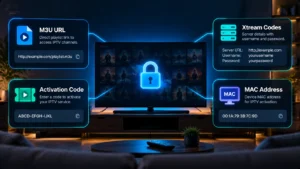
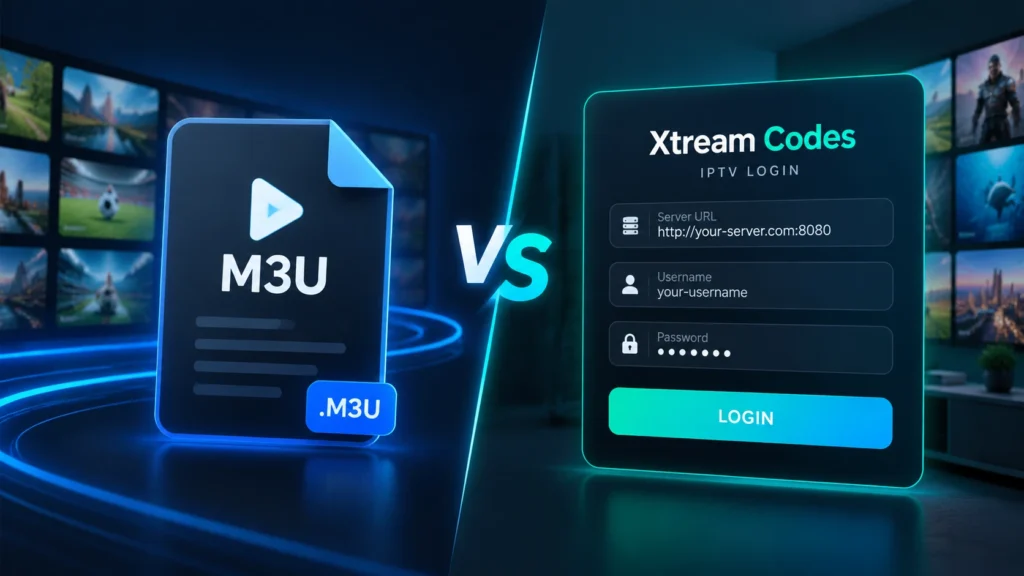
M3U and Xtream Codes are the two ways almost every IPTV service connects to a player app. If you just got a subscription and received a long web link, or a server address with a username and password, this guide explains exactly what each one is, how they differ, and how to set them up on any device.
By the end you’ll know which login method to use, how to fix the most common connection errors, and how to keep your line secure. If you’re brand new to the technology, start with our explainer on how IPTV works, then come back here.
What Is an M3U Playlist?
An M3U playlist is a simple text file that tells your media player where to find each channel or video stream. Instead of storing any video itself, the file holds a list of channel names and the web addresses those channels stream from. Your IPTV app reads the list and builds your channel guide from it.
What “M3U” actually stands for
M3U is short for MP3 URL. The format was created in the late 1990s for the Winamp media player to queue up audio files, and it was later adopted for video and live TV because it’s lightweight and universally supported. You’ll also see M3U8, which is the same format saved in UTF-8 encoding so it can display channel names in any language – common for Arabic, Punjabi, and other non-Latin channel lists.
What’s inside an M3U file
Open an M3U file in a text editor and you’ll see it always starts with a header, followed by two lines per channel: one describing the channel and one pointing to its stream. Here’s a simplified example:
#EXTM3U
#EXTINF:-1 tvg-id="CBC.ca" tvg-logo="logo.png" group-title="Canada",CBC Toronto
http://your-server.com:8080/live/USERNAME/PASSWORD/1001.ts
#EXTINF:-1 tvg-id="TSN1.ca" group-title="Sports",TSN 1
http://your-server.com:8080/live/USERNAME/PASSWORD/1002.ts
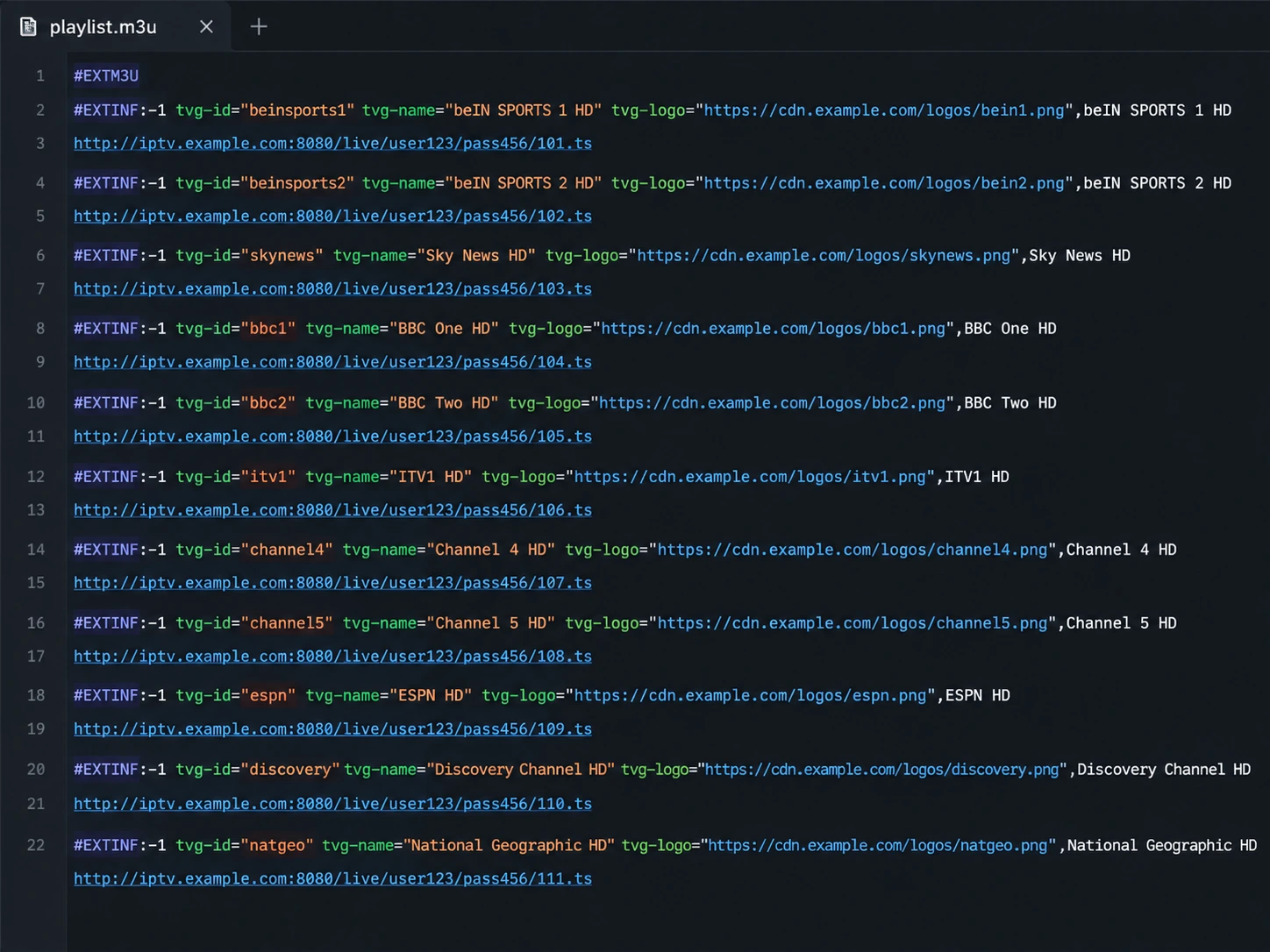
- #EXTM3U – the header that tells the player this is an extended M3U file.
- #EXTINF – the channel’s info line: its guide ID (
tvg-id, used to match the EPG / TV guide), logo, category (group-title), and display name. - The second line is the actual stream URL the player opens when you select that channel.
M3U URL vs. downloadable M3U file
Providers deliver an M3U playlist in one of two ways, and the difference matters:
- M3U URL (recommended): a single live web link. Because it’s live, your channel list updates automatically whenever your provider adds or removes channels.
- M3U file: a
.m3uor.m3u8file you download and load manually. It’s a snapshot – if the provider changes the lineup, you have to download a fresh file.
For almost everyone, the M3U URL is the better choice because it stays current on its own.
What Is Xtream Codes?
Xtream Codes is the other common way to log in to an IPTV service. Instead of one long playlist link, you enter three separate details – a server address, a username, and a password – and the app talks to the provider’s server directly to pull your live channels, movies, series, and TV guide. The name comes from the panel software that popularized this login method, and today it’s a standard format supported by nearly every major IPTV app.
The three Xtream Codes credentials
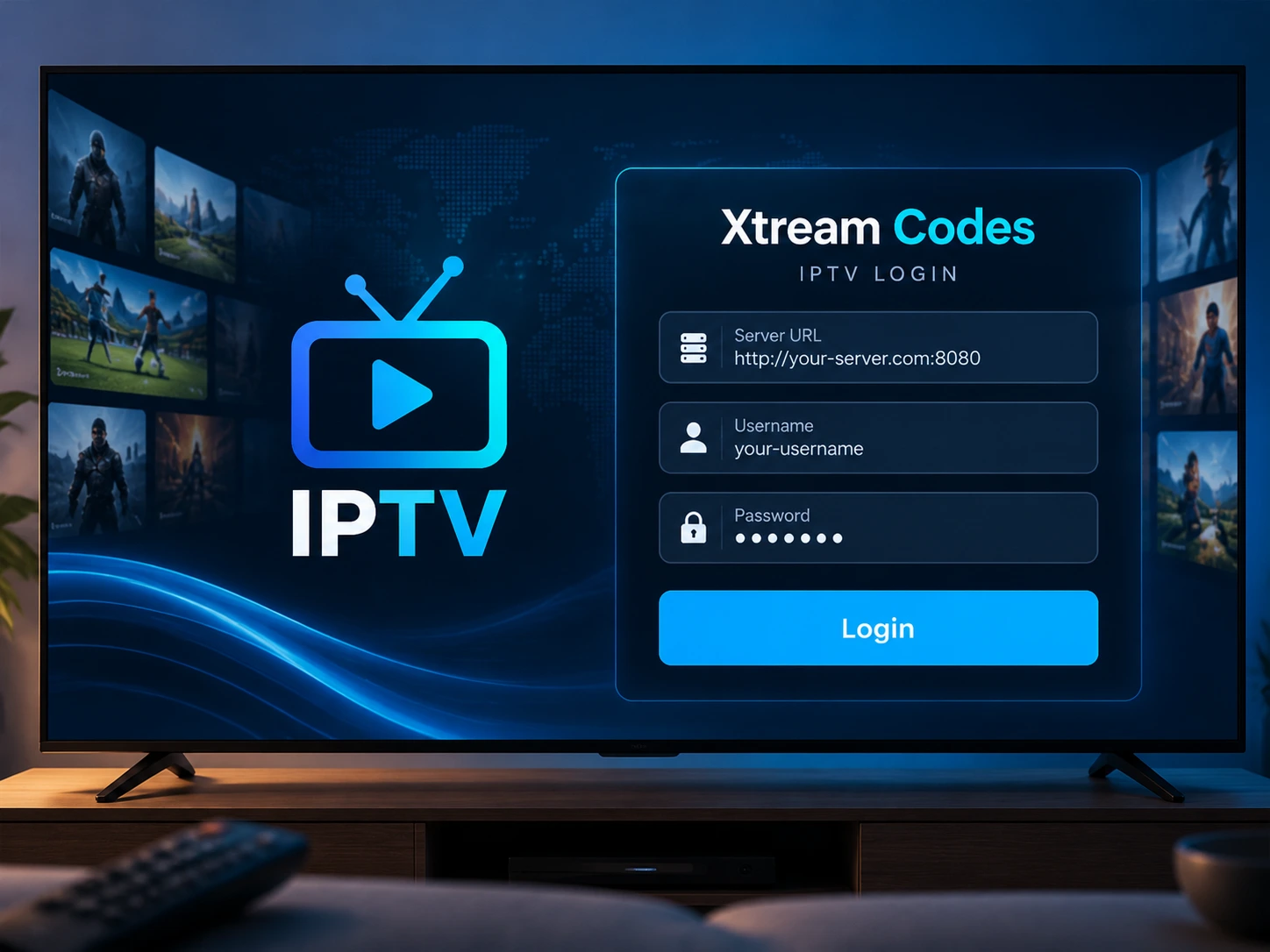
An Xtream Codes login always has exactly three parts:
- Server URL (or “host”): the address of your provider’s server, usually in the form
http://domain.com:8080. Enter it exactly, includinghttp://and the port number after the colon. - Username: your unique account name.
- Password: your account password.
Tip: an M3U URL and an Xtream Codes login for the same account contain the same credentials – the username, password, and server are simply hidden inside the M3U link. That’s why you can usually switch between the two methods with no change to your subscription.
How Xtream Codes works behind the scenes
When you log in, the app sends your three credentials to the server and receives back a live, organized response: your channel categories, video-on-demand library, series, and EPG data, plus account info like your expiry date and how many connections you’re allowed. Because everything is fetched in real time, new content and lineup changes appear instantly – one of the main reasons many users prefer it.
M3U vs. Xtream Codes: Which Should You Use?
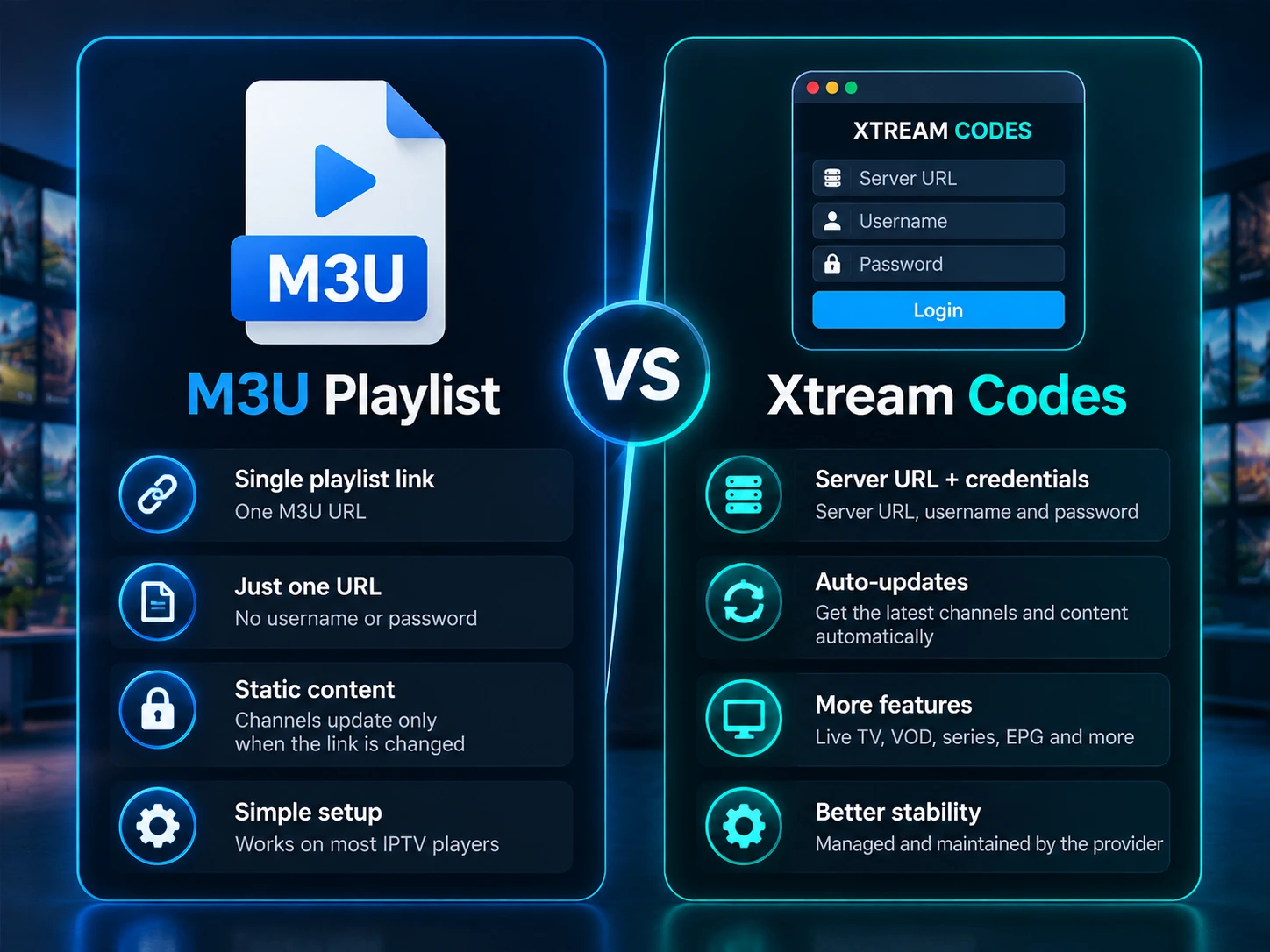
Both methods stream the exact same channels from the same account. The difference is in convenience and features:
| Feature | M3U Playlist | Xtream Codes |
|---|---|---|
| What you enter | One long URL | Server + username + password |
| Live TV | Yes | Yes |
| Movies & Series (VOD) | Mixed in | Organized categories |
| EPG / TV guide | Via tvg-id tags | Built in, automatic |
| Catch-up TV | Rarely | Often supported |
| Account info (expiry, connections) | No | Yes |
| Easiest to type | No | Yes |
| Best for | Players that only accept a link | Most users and modern apps |
Bottom line: if your app supports Xtream Codes (most do, including the apps on our best IPTV players list), it’s usually the smoother experience. Use an M3U URL when an app or device only accepts a single link.
How to Add an M3U Playlist to Your Player
- Copy the full M3U URL from your provider’s welcome email – select the entire link so nothing is cut off.
- Open your IPTV app and choose to add a playlist (sometimes labeled “Add M3U URL” or “Playlist”).
- Give it a name (e.g., “IPTV Canada”), paste the URL, and save.
- Wait a few seconds while the app loads your channels, then open Live TV.
Device walkthroughs: Firestick, NVIDIA Shield, Samsung & LG TVs, and Apple / iOS.
How to Log In with Xtream Codes
- Open your app and choose the Xtream Codes or “Login with Xtream Codes API” option.
- Enter a name for the playlist.
- Type your Server URL exactly as provided, including
http://and the port (for examplehttp://example.com:8080). - Enter your username and password, then save.
Using IPTV Smarters? Follow our step-by-step IPTV Smarters login guide.
Common M3U and Xtream Codes Problems (and How to Fix Them)
Playlist or login won’t load
Nine times out of ten this is a typo. Re-check the server URL for a missing http:// or wrong port, and confirm the username and password have no extra spaces. Copy and paste instead of typing by hand whenever possible.
“Expired” or “account not found”
Your subscription may have lapsed, or you may be using an old link. Confirm your renewal, then request a fresh M3U URL or credentials.
“Connection limit reached” or channels freeze on a second device
Most plans allow a set number of simultaneous connections. Playing on more devices than your plan allows locks the extra streams. Close IPTV on other devices or upgrade your connection count.
Channels load but constantly buffer
That’s usually a network or player setting, not the playlist. See our full guide to stopping IPTV buffering.
No TV guide showing
With M3U, the guide depends on correct tvg-id tags and an EPG source. Our EPG setup guide walks through fixing it.
Keep Your M3U URL and Xtream Codes Login Secure
Your M3U URL and Xtream Codes credentials are your subscription – anyone who has them can use your line. Protect them:
- Never share or post your link or login publicly. A shared link gets used up fast and can trip your connection limit or get the account flagged.
- Don’t paste credentials into random “free playlist” websites that ask for them.
- Some ISPs interfere with streaming traffic; a VPN for IPTV can help keep your connection stable and private.
Frequently Asked Questions
Are M3U and Xtream Codes the same thing?
Not quite. They’re two ways to access the same account. An M3U playlist is a single link; Xtream Codes is a server URL plus username and password. The credentials inside an M3U link and an Xtream Codes login are identical.
Which is better, M3U or Xtream Codes?
For most people, Xtream Codes – it organizes movies and series, loads the EPG automatically, and shows your account status. Use an M3U URL when a device only accepts a single link.
What does an M3U URL look like?
A long web address that usually contains get.php followed by your username, password, and a type such as m3u_plus. You paste it into your player as-is.
Can I turn an Xtream Codes login into an M3U URL?
Yes. Most apps do it automatically using your server address, username, and password, so you rarely have to build the link by hand.
Why does my M3U work but Xtream Codes doesn’t (or the reverse)?
Usually a small typo in the server URL or port, or an app that supports only one method. Double-check each field and try the other login type.
Do I need a special app for M3U or Xtream Codes?
No single app – most major IPTV players support both. See our best IPTV players in Canada.
Ready to try it yourself?
Once you understand M3U and Xtream Codes, setting up any IPTV service takes just a couple of minutes. If you’d like to test a stable Canadian service first, grab a free IPTV trial from IPTV Canada and try both login methods on your own device.